

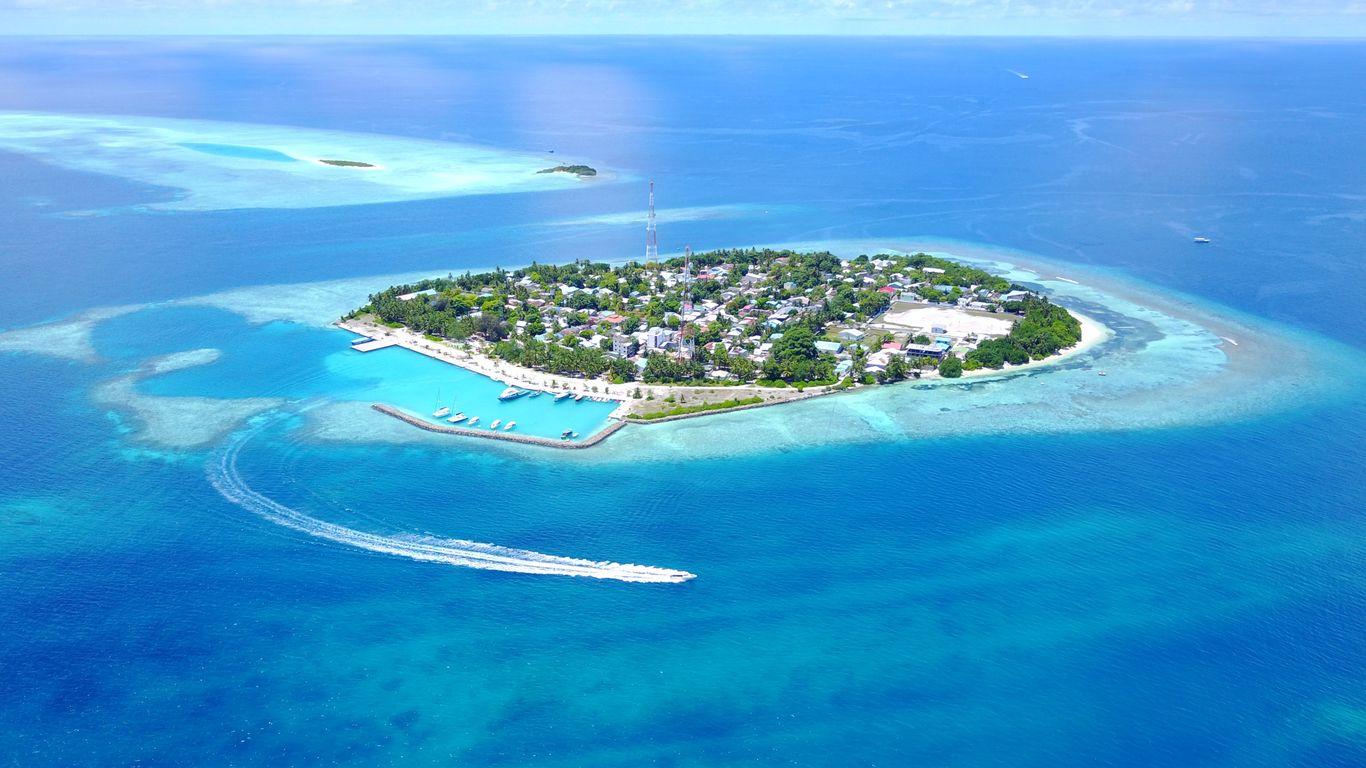
From “dive center + destination” to a booking
A diver is planning a trip to Rasdhoo. They search “dive center Rasdhoo”, compare a few businesses on Maps, read reviews and open two websites. Before sending a message, they want to know where you are, whether you cater for their experience and how to book.
Local SEO for dive centers means making those answers easy to find. Your Google Business Profile helps people discover you. Reviews help them decide whether to trust you. Your website turns that interest into a clear next step. Start with those three pieces before adding another social media channel.
| Example search | What the visitor needs |
|---|---|
| dive center Rasdhoo | A local operator, location, recent experiences and a way to book. |
| beginner scuba diving Tenerife | Requirements, language, duration and what the first experience involves. |
| Open Water course Koh Tao price | Course details, what is included, dates and total cost. |
Make your Google Maps profile useful
Google describes three main local ranking factors: relevance, distance and prominence. A complete profile, genuine reviews and relevant links can help; no one can guarantee first place.
Claim or create your profile and complete the verification Google requests. Keep ownership in an account your business controls and give staff their own access. Then walk through the profile as if you were arriving for your first dive.
Treat Maps and your website as two connected places to improve. Someone researching from home may see different results from someone already on the island. Checking your own phone once is not a reliable measure of visibility.
Learn more in Google’s local ranking guide.
- Use your real business name and the most accurate available category.
- Check your map pin, entrance, phone and seasonal opening hours.
- Add current photos of the team, boat and equipment, plus your activities and languages.
- Link to your website and check that guests can reach the right booking page.
Ask for reviews and answer them
After the guest’s last dive, send a short invitation with your direct Google review link. A QR code at reception also works. Invite guests consistently, without selecting only happy customers or offering rewards.
A useful reply sounds like someone who remembers the visit. Thank a guest for a specific detail they shared. Where possible, reply in their language. You do not need to turn every response into an advertisement for your destination.
For a complaint, acknowledge the concern, explain the next step and offer a direct contact. Keep booking details and personal information out of the public reply. For example: “Thank you for raising the confusion about equipment charges. Please contact our team with your booking reference so we can check what happened and help resolve it.”
“Thanks for diving with us, Alex. If you’d like to share your experience, here’s our Google review link: [your review link]. Your honest feedback helps other divers plan their visit. Thank you!”
Answer the questions behind “dive center + destination”
Create one useful page for the place where you operate. A title such as “Dive center in Rasdhoo | [Center name]” makes the location clear. Write naturally and help guests choose.
Match the page to the kind of trip the visitor is planning. Someone searching for a first dive needs to understand the experience and participation requirements. A certified diver may want guided dives, equipment options and trip times. If you offer both, give each activity a clear explanation and its own next step instead of sending every visitor to a general contact form.
Do not copy the same page for twenty nearby islands by changing the place name. Create another location page only when you can explain a genuinely different service, operation or visit.
- Explain activities, prerequisites, prices, equipment inclusions and the meeting point.
- Use real photos and explain transfers and local conditions, without promising wildlife sightings.
- Translate key information into the languages your guests use and your team supports.
- Add a visible booking button. Test the whole journey on a phone.
Keep a simple weekly routine
Assign time each week to read and answer reviews. Repeated questions about pickup, equipment or unexpected costs also tell you what to clarify on your website.
Work with hotels, guesthouses and tourism organisations that genuinely refer guests to you. Ask them to link to the page that explains the activity and meeting arrangements. A relevant recommendation is more useful to a traveller than an entry in an unrelated directory.
Measure the journey from search to booking
Record a starting point before making changes. Review results monthly, considering the season and where your guests are travelling from. Profile views alone cannot tell you whether marketing is bringing suitable customers.
- Use Business Profile performance to follow the interactions available for your profile, such as website clicks, call clicks or direction requests. A click is not a confirmed booking.
- Use Search Console for the searches and clicks that bring visitors to your website. Look for destination and activity queries; this is a different view from Maps performance.
- Track enquiries, confirmed bookings and revenue by source where possible. Add a simple “How did you find us?” question to cover phone calls and walk-ins.
- If visits rise but bookings do not, check the mobile booking journey, price clarity and response times before publishing more pages.
Turn local visibility into online bookings with ScubaHub
You have helped a guest find your center and trust your team. Give them a clear next step while they are ready to choose, even when you are out on the boat.
With ScubaHub, guests choose products, dates and time slots on your public booking page. Your team manages bookings and payments in the same system.
See how your center can receive online bookings and manage them with ScubaHub.
See online bookings with ScubaHub